
Submodules
A submodule lets one Git repository include another repository at a path without copying its history into the parent repository. The parent, also called the superproject, records the submodule’s URL in .gitmodules and the exact submodule commit it expects.
That recorded commit is part of the superproject’s history. After adding, updating, or removing a submodule, review and commit the resulting superproject changes so collaborators receive the same submodule state.
Add Submodule
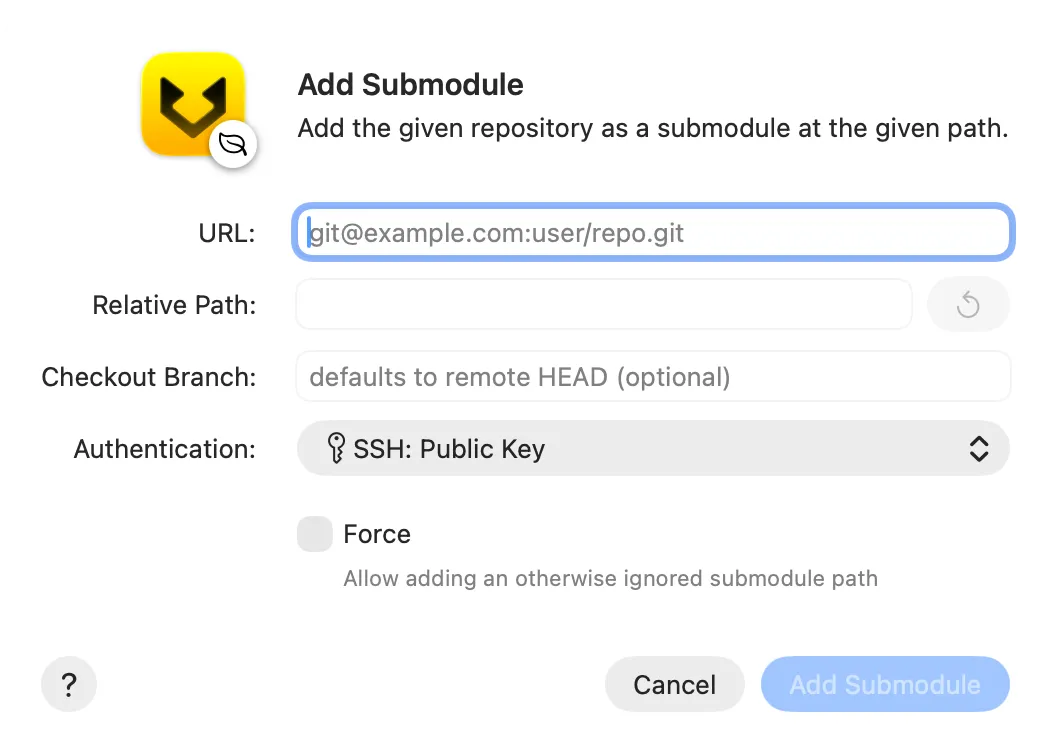
Choose Repository → Add Submodule…. This opens the Add Submodule dialog .
Then:
- Enter the repository
URL. - Set the
Relative Pathwhere the submodule should appear in the superproject. Gitfox suggests a path from the URL; use the reset button to restore that suggestion. - Optionally enter a
Checkout Branch. Leave it empty to use the remote’s default branch. - Choose the account for authentication.
- Enable
Forceonly when you intend to add the submodule at a path ignored by the superproject. - Click
Add Submodule.
Gitfox clones the repository at the chosen path and updates .gitmodules and the superproject index. Review those changes before committing them. Do not add unrelated files at the submodule path.
Update Submodules
The superproject normally expects an exact submodule commit. Update a submodule after switching branches, pulling superproject changes, or when you want the superproject to point to a newer submodule commit.
Control-click a submodule in the repository sidebar and choose Update “<path>”… to update just that submodule. To update all submodules together, Control-click a submodule or the Submodules group and choose Update All Submodules….
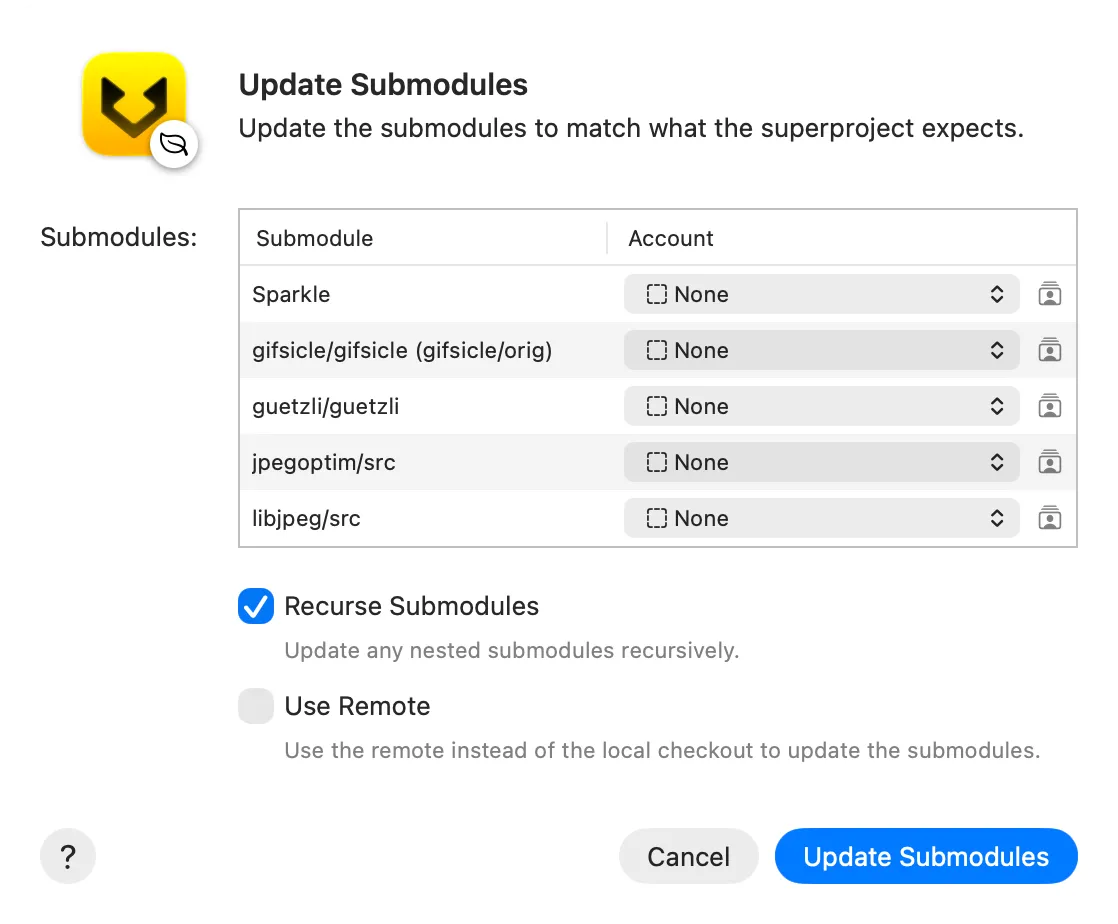
Both commands open the Update Submodules dialog . The table lists the submodules that will be updated. In the Account column, choose an authentication account for each submodule; different submodules can use different accounts. Gitfox remembers each submodule’s account for future updates.
Review these options:
Recurse Submodulesalso initializes and updates submodules nested inside each listed submodule.- With
Use Remotedisabled, Gitfox checks out the commit recorded by the superproject. This restores the expected state after another superproject revision changes the recorded commit. - With
Use Remoteenabled, Gitfox fetches and checks out the submodule’s configured remote-tracking branch instead. The superproject then reports the submodule as changed until you record the new commit.
Click Update Submodules to initialize and update every submodule listed in the dialog. The options apply to all listed submodules.
Before recording newer submodule commits in the superproject, make sure those commits have been pushed to remotes your collaborators can access. Then stage and commit the changed submodule entries in the superproject.
Remove Submodule
Before removing a submodule, commit and push any work inside it that you want to keep. Removing the submodule deletes its working tree from the superproject.
Control-click the submodule in the repository sidebar and choose Remove Submodule…. This opens the Remove Submodule dialog .
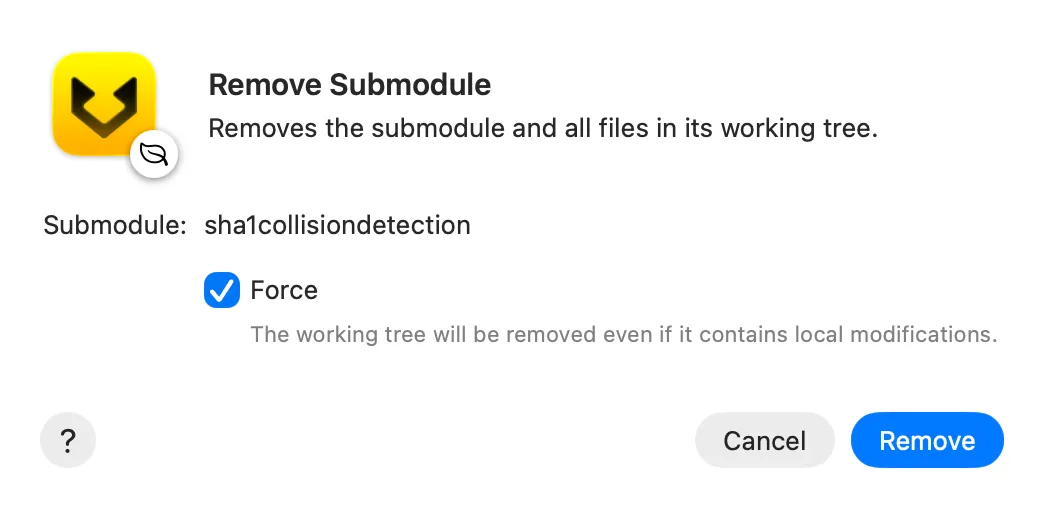
Review the displayed path, then click Remove.
Git refuses to remove a submodule whose working tree contains local modifications. Enable Force only when you intend to discard those modifications. After removal, review and commit the staged deletion and .gitmodules change in the superproject. Existing commits that reference the submodule remain unchanged.
Further reading
See the optional Git submodule documentation for the underlying Git commands and their complete option reference.